
hd streamz Android App Review and Feature Overview
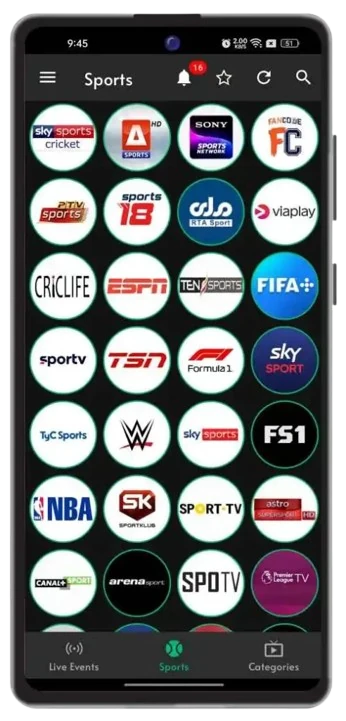
Finding a reliable mobile streaming tool that caters to diverse entertainment preferences can be challenging for modern viewers. The hd streamz Android app has drawn attention among mobile users looking for an all-in-one platform to watch live broadcasts, sports matches, and regional entertainment on their smartphones. This page provides an objective look at what hd streamz offers, its technical capabilities, safety considerations, and how it compares with mainstream licensed streaming platforms in India. By reading this evaluation, users can better understand whether this application matches their specific viewing habits and device setups.
What is hd streamz
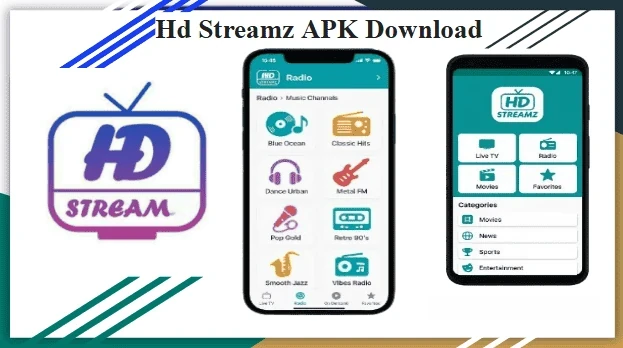
The hd streamz application is a specialized media streaming tool built primarily for Android-powered devices. It functions as a digital aggregator, gathering multiple television channels, radio broadcasts, and video-on-demand categories into a single interface. Users typically access the hd streamz Android app to explore various programming genres, ranging from daily news updates and general entertainment shows to regional films and children's programs.
Regarding its source material, this page could not verify that the app holds licences for the content it offers. While the interface presents various international and regional channels, the legal authorization status and copyright agreements behind these digital feeds remain unconfirmed by official verification bodies. Users should take this factor into account when evaluating third-party media applications.
Key Features
Live TV Channels
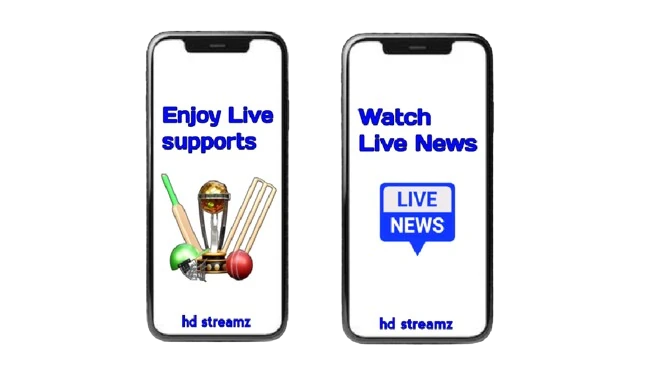
The hd streamz app provides access to a broad selection of live television feeds from various regions. Users can browse categories covering news, sports, and entertainment without navigating multiple separate web portals.
Media Player Options
The built-in video playback interface includes standard navigation tools, volume sliders, and brightness adjustments. These controls let viewers modify their viewing preferences directly inside the hd streamz Android app while watching videos.
Multi-Language Support
Content within the platform accommodates multiple languages spoken across different regions, including Hindi, Tamil, Telugu, and English. This linguistic variety helps viewers find regional programs suited to their preferences.
Lightweight Architecture
The software package is relatively compact, meaning it occupies minimal storage space on mobile devices. This design helps the application run on various Android handsets, including entry-level hardware with limited memory capacity.
Favorite Channels List
Users can utilize bookmarking features to save frequently watched channels into a personal collection. This shortcut system reduces search time during subsequent app sessions.
What You Can Watch
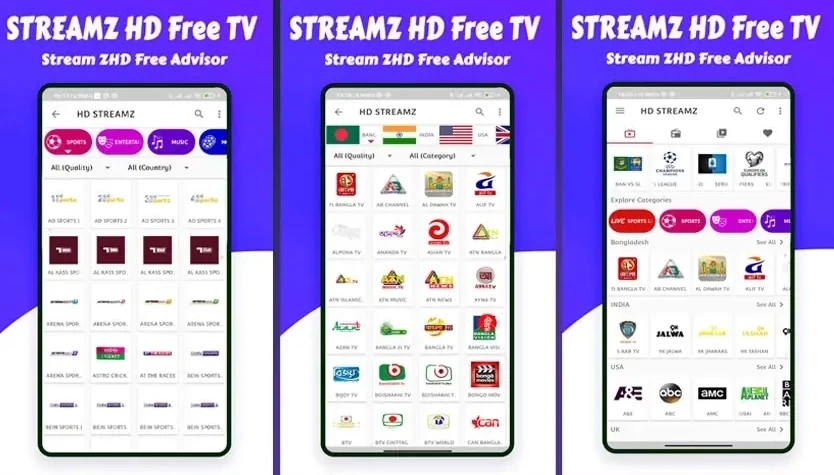
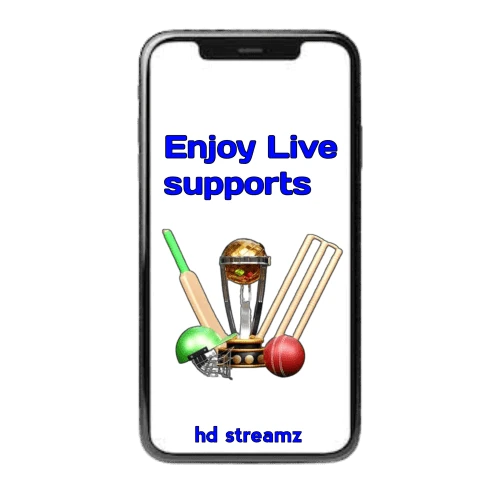
Content categories within the hd streamz platform span several genres designed for diverse audiences. Viewers can explore live news broadcasts, documentary streams, religious programming, and musical broadcasts. Regional content includes general entertainment series and films produced in various Indian and international languages such as Hindi, Bengali, Urdu, Punjabi, Tamil, and Telugu.
Additionally, the platform includes dedicated segments for younger audiences featuring cartoons, educational shows, and family-oriented programs. Radio station listings are also integrated for users who prefer audio-only entertainment such as talk shows and music streams.
Device Compatibility

- Android smartphones running various mobile configurations
- Android tablets and portable media players
- Android Smart TVs and compatible TV box units
- Windows PC and laptop systems via third-party Android emulators
hd streamz vs Licensed OTT Platforms
| Feature | hd streamz | Licensed OTT Platforms |
|---|---|---|
| Content Authorization | Not confirmed | Fully licensed |
| Pricing Model | Free to use | Paid subscription or ad-supported |
| Ad Experience | Varies | Standard commercial breaks |
| Customer Support | Not confirmed | Official helpdesk available |
| Update Source | Third-party websites | Official app stores |
Pros and Cons

| Pros | Cons |
|---|---|
| Lightweight file size | Unverified content licences |
| Multiple language categories | Not listed on official app stores |
| Supports Android TV devices | Potential stream instability |
| Simple channel organization | Requires manual security checks |
Safety and Legal Considerations
When evaluating the hd streamz safety profile, users must consider the risks associated with downloading applications from outside official app marketplaces. Files obtained from unknown web sources may carry security vulnerabilities, unverified code modifications, or excessive permission requests that could compromise personal data on Android devices.
Furthermore, because this page could not verify that the app holds licences for the content it offers, streaming copyrighted material through unauthorized channels may expose users to legal risks under regional copyright laws in India. It is advisable to review local regulations and verify application permissions thoroughly before installation.
To maintain device security, individuals should run antivirus scans on downloaded installation packages, check requested system permissions carefully, and rely on built-in security tools like Google Play Protect to evaluate potential risks.
Before You Install
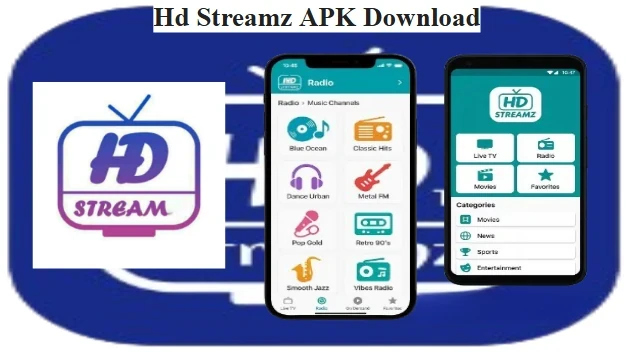
Because the hd streamz Android app is distributed outside standard authorized marketplaces, users should complete a safety checklist before proceeding:
- Verify the credibility of the file distribution source.
- Inspect application permissions for unnecessary data access requests.
- Scan the installation package with reputable mobile security software.
- Consider utilizing fully licensed streaming platforms as secure alternatives.
Common Problems
Users of streaming applications occasionally encounter technical difficulties. Here are standard troubleshooting steps for typical issues:
- Buffering and Lag: Check your local internet connection speed and restart your networking hardware.
- App Crashes: Clear the application cache from your device settings menu or restart your mobile hardware.
- Audio Desynchronization: Restart the video stream or switch to an alternative channel feed.
Licensed Alternatives
Viewers seeking authorized streaming options in India can explore several established platforms:
- Netflix: A global subscription service offering a vast library of original movies, web series, and international films. Ideal for dedicated entertainment enthusiasts.
- Prime Video: An established streaming platform providing movies, regional cinema, and original series bundled with membership benefits. Suitable for diverse family households.
- JioHotstar: A major Indian streaming destination featuring live sports, blockbuster movies, and television serials. Great for cricket fans and drama viewers.
- SonyLIV: A popular platform offering sporting events, live television channels, and original digital series. Perfect for sports and premium drama fans.
- ZEE5: A prominent regional service delivering extensive collections of movies and TV shows across multiple Indian languages. Ideal for regional cinema lovers.
FAQ
Is hd streamz available on the Google Play Store?
No, the hd streamz application is not listed on the official Google Play Store. It is typically distributed as an APK file from third-party websites, requiring manual installation steps.
Are the content sources on hd streamz officially licensed?
This page could not verify that the app holds licences for the content it offers. The authorization status of the media streams remains unconfirmed by official verification bodies.
How can I check if the hd streamz APK file is safe?
You can evaluate safety by scanning the downloaded installation package with reliable mobile antivirus software, reviewing requested device permissions, and utilizing Google Play Protect.
Can I run hd streamz on an Android Smart TV?
Yes, the application supports various Android-powered television sets and TV box units, allowing users to view media feeds on larger screens.
What should I do if a live stream stops working?
If a stream fails to load, verify your internet connection speed, clear the app cache in your device settings, or restart the application.
Conclusion
In summary, the hd streamz Android app serves as a media aggregator tool for users interested in exploring diverse live channels and regional programs. However, because its content licensing remains unverified and it requires manual installation from external sources, users must carefully weigh potential security and copyright considerations. Anyone seeking a guaranteed secure viewing experience should prioritize authorized mainstream streaming platforms available in India.